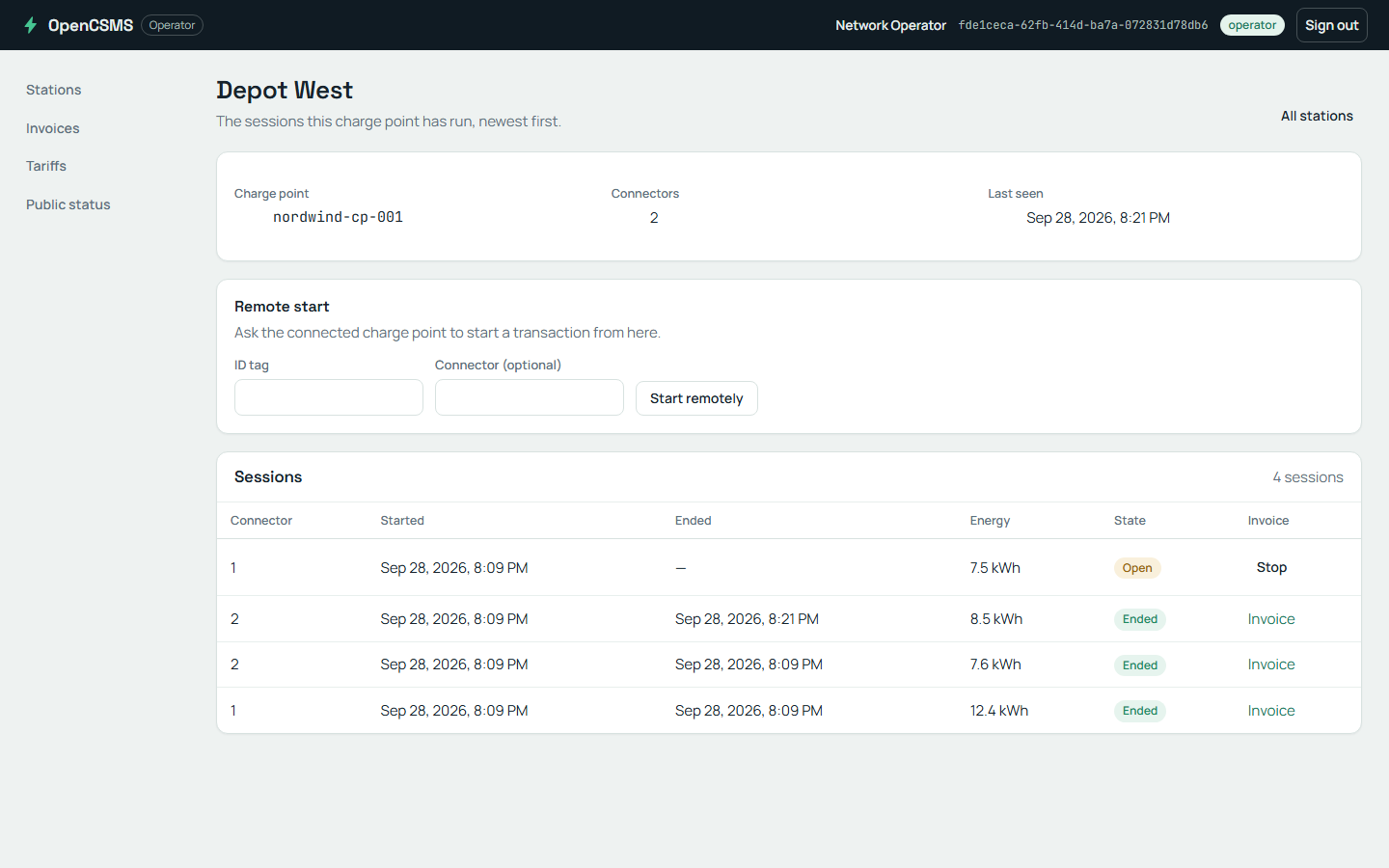
Run one suite in three environments
The same suite runs in three shapes without a code change: in-process on a laptop, container-backed on a machine with a container runtime, and published against a deployed environment. Only the host setup and configuration differ. The journeys, attributes, assertions and reports stay the same.
The shapes below come from the Northstar.ProtoTest sample suite (samples/Northstar.ProtoTest). Its NorthstarRun decides all three from configuration:
var run = NorthstarRun.From(configuration);
var hostedInProcess = run.RunsLocalApplications;   // ProtoTest:TargetUrl is empty
var configuredDatabase = run.ConfiguredStore;
var postgresStore = run.OwnsPostgres;
var useMessagingContainer = run.OwnsMessagingBroker;
| In-process | Container-backed | Published | |
|---|---|---|---|
| Selected by | ProtoTest:TargetUrl empty | ProtoTest:Database=postgres, ProtoTest:Messaging:Broker=container | ProtoTest:TargetUrl set |
| Application | AddAspNetCoreServer<Program> | in-process, fed by infrastructure settings | never started; clients target BaseUrl |
| Store | file SQLite under TestResults/Northstar.ProtoTest | PostgresDatabase.Container() | ConnectionStrings:Northstar |
| Broker | none configured; broker journeys skip | RabbitMqBroker.Container() | ProtoTest:Messaging:RabbitMq:ConnectionString |
| Browser journeys | a loopback listener the run starts | the same | the configured BaseUrl |
In-process
With no TargetUrl, the host builds the application in-process and the REST and GraphQL clients reuse its transport. No port is opened:
if (run.RunsLocalApplications)
{
    app.AddAspNetCoreServer<NorthstarProgram>(configureWebHost: webHost =>
        ConfigureHostedApplication(webHost, run));
}
The sample owns one file SQLite database per run. It is deleted before the run starts. The run hosts the application twice over that store: in-process for the API journeys, and on a loopback listener for the browser journey. The loopback instance is its own application (Northstar web); the run starts it with AddLoopbackApplication and waits for its /health address, so the web sessions follow the published base URL. One address authority per application.
builder.AddLoopbackApplication(NorthstarTargets.Web, NorthstarProgram.CreateApp);
builder.AddHttpReadiness(NorthstarTargets.Web, "/health");
The test-side domain is composed over the same store, so DomainAccessJourney runs. No broker is configured, so BrokerJourney skips.
Container-backed
Setting ProtoTest:Database=postgres or ProtoTest:Messaging:Broker=container makes the run own the container through infrastructure:
builder.AddInfrastructure(
    "MessagingBroker",
    chain => chain
        .UseConfigured()
        .UseContainer(RabbitMqBroker.Container()),
    RabbitMqOptions.ConnectionStringSetting,
    "Messaging:RabbitMq:ConnectionString");

builder.AddInfrastructure(
    "NorthstarDatabase",
    chain => chain
        .UseConfigured()
        .UseContainer(PostgresDatabase.Container()),
    "ConnectionStrings:Northstar");
The host publishes the started connection strings in ProtoInfrastructureSettings for tests and in host settings for both hosted instances. All of them then use the same store or broker. The loopback instance follows the suite's configuration, so the web journey runs in every local mode and skips only when the browser is not installed. A published run skips the loopback and follows the configured ProtoTest:Applications:{application}:BaseUrl instead.
Published
Setting ProtoTest:TargetUrl points the suite at a deployed system:
if (!run.RunsLocalApplications)
{
    values[$"{ProtoApplication.SectionPath}:{NorthstarTargets.Api}:BaseUrl"] = run.TargetUrl;
    values[$"{ProtoApplication.SectionPath}:{NorthstarTargets.Web}:BaseUrl"] = run.TargetUrl;
}
No ASP.NET Core server is registered and no loopback listener is started. HTTP clients connect over the network to BaseUrl, and the browser journey follows the same published address when Playwright is available; it skips when the browser is not installed. Connection strings come from configuration, and the test-side domain is composed when ConnectionStrings:Northstar is set:
var composeDomainInTests = run.CanComposeDomain;
The run does not start the application, so the suite cannot assume it is up when the first test runs. AddHttpReadiness(application) waits for its published address instead of sleeping in setup, and records the wait in the trace:
builder.AddHttpReadiness(NorthstarTargets.Api); // waits for ProtoTest:Applications:{app}:BaseUrl
Register the probe after the infrastructure that publishes the address. A probe registered first sees no address and records a readiness.skipped reason naming the ordering requirement instead of waiting. See Infrastructure recipes for the full rule.
An in-process application has no address to wait for, so the probe skips and records the reason.
What a skip records
No broker is configured, so BrokerJourney skips with the reason the sample declares once in its setup:
Skipped PayingAnInvoicePublishesAnInvoicePaidEvent
  {brokerSkipReason}
The archive for that run holds the run and nothing else: five entries, two run reports plus manifest, spans and state, and no test record at all.
- Runbefore the first test
What the run composed. Seven capabilities, and no broker among them, so the broker journey cannot run.
Recorded operations (3)
- REST, GraphQL, ASP.NET Core, SQL, Data, Sheets, Playwright
- Northstar web on a loopback listener
- Messaging broker
- No test recordnothing started
The condition applied before StartTestAsync, so the archive holds no setup, no execution, and no teardown for this test.
Recorded operations (1)
- BrokerJourney.PayingAnInvoicePublishesAnInvoicePaidEvent
docs/static/lessons/l2-broker-skip.prototrace. The viewer draws the same trace from that archive (download it and drop it on the viewer).What does not change
- The journeys and their
[ProtoTest]tests, attributes, authenticators and provisioners. - The runner attribute and assembly setup: one host per process, same lifecycle.
- The trace and the HTML/JSON reports. Every run produces the same artifacts wherever it ran.
- Records that outlive the process keep their identity:
Proto.Context.UniqueName("tenant")derives a deterministic name from the test id. See Execution context for the rerun rule. - Skip conditions: a test that needs something the host does not have skips, so an environment-specific journey is an environment-specific skip, not a failure.
Only an in-process application can do this
Some things need the application's own process. Against a published environment they are unreachable, and the suite skips them rather than failing:
| Feature | Why it is in-process only | Suite pattern |
|---|---|---|
Proto.Context.ApplicationServices<TProgram>() | resolves from the in-process server's container; with no server registered, ApplicationServices throws | [RequiresInProcess] |
ServerService<TProgram, TService>() | resolves from the in-process server's container | [RequiresInProcess] |
ServerFactory<TProgram>() | resolves from the in-process server's container | [RequiresInProcess] |
IGraphQLWebSocketFactory over the test server | subscriptions ride the in-process WebSocket connection | [RequiresInProcess] |
Transactional isolation of the application's writes (SqlIsolation.Transaction + ShareConnectionWith) | the transaction covers only the connection ProtoTest owns; a deployed process cannot share it | [RequiresInProcess] |
The test-side domain runs wherever the suite has a store. That includes a container or a configured connection string. [RequiresCapability(ProtoCapabilityKinds.Store)] on DomainAccessJourney matches the capability AddSql registers, so the journey skips exactly when the domain cannot be composed. The sample sets SqlIsolation.None for that domain, because its application has its own connection and a test transaction would hide the test's writes from it.
For a test that only needs an in-process server, [RequiresInProcess] is the shorthand: it expands to [RequiresCapability("server")] and skips whenever no server capability is registered. See Skip conditions for the exact evaluation and per-runner limits.
The sample's switches
| Key | Read from | Effect |
|---|---|---|
ProtoTest:TargetUrl | configuration / environment | non-empty selects the published environment and becomes the application's BaseUrl |
ProtoTest:Database | configuration / environment | postgres starts PostgresDatabase.Container() |
ProtoTest:Messaging:Broker | configuration / environment | container starts RabbitMqBroker.Container() |
ConnectionStrings:Northstar | configuration / environment | points the application and the test-side domain at an existing store |
ProtoTest:Messaging:RabbitMq:ConnectionString | configuration / environment | points the messaging adapter at an existing broker |
All of them work as environment variables with the usual __ separator (ProtoTest__TargetUrl), but only when the suite added an environment-variable source. See Configuration for how configuration sources are added and which value wins, and Infrastructure for what the host starts and when it is released.
The recipes work in all three modes as they are: REST, then GraphQL, a write that lands in the database and API, then browser.
OpenCSMS, an independent EV charging platform in its own repository, runs one suite in every shape on this page and one more: an Aspire AppHost that starts the product's own processes. Each target declares its providers in priority order with UseConfigured() first, so the environment decides which link serves the store, the broker and the application.