Point the suite at a real stack
The topology lesson let the AppHost own the processes. This one moves them outside the suite, the way a deployment looks: a running API, a running billing worker, a running notification worker, and a suite that only reads addresses.
- Start the product as real processes and point the suite at them with configuration.
- Name the keys that switch the same Setup off the test host.
- Say what a worker does when its target is not configured.
- Let Aspire start the topology (lesson 2).
- An OpenCSMS checkout and a container runtime. Reading the lesson alone also works.
The scenario
A deployed environment is addresses plus a store. Both outlive the test process. The suite should not care which machine answers, only that the keys resolve.
OpenCSMS rehearses that shape on one machine: the product's own binaries as processes, the persistent containers, and the same suite from the container lesson.
The rehearsal stack
Start the two containers once. They keep their data across runs:
docker run -d --name opencsms-postgres -e POSTGRES_USER=opencsms -e POSTGRES_PASSWORD=opencsms -e POSTGRES_DB=opencsms -p 5432:5432 postgres:16-alpine
docker run -d --name opencsms-rabbitmq -p 5672:5672 rabbitmq:3-alpine
Then run the mode:
pwsh eng/run-suite.ps1 -Mode published
The script builds the product, starts OpenCsms.Api.dll on http://127.0.0.1:5080, starts the billing worker and the notification worker, and waits until /healthz answers. It exports five keys, runs the suite with --no-build, and stops all three processes again.
The five keys
| Key | What it points at |
|---|---|
ConnectionStrings__Csms | the product's PostgreSQL database |
Messaging__RabbitMq__ConnectionString | the product's RabbitMQ broker |
ProtoTest__Messaging__RabbitMq__ConnectionString | the address the suite's own messaging tap uses |
ProtoTest__Applications__Csms__BaseUrl | the API the suite calls and provisions through |
ProtoTest__Applications__Dashboard__BaseUrl | the same address, for the browser session |
The keys are the whole switch. UseConfigured() is first in every chain, so the in-process server and the worker hosts never start, and the environment runs the workers instead. The suite's server and worker providers step aside without a condition anywhere in the tests.
The run's own counts
Passed! - Failed: 0, Passed: 61, Skipped: 13, Total: 74, Duration: 20 s - OpenCsms.Suite.dll (net8.0)
That is the run recorded on 2026-09-28 in opencsms-published-20260928-090106.log. The skips are the same clock-gated and in-process-gated journeys as in the topology mode; the log lists each one by name, and the condition on the test names the reason.
How the three modes compare, with the counts each lesson quotes:
| Mode | API | Workers | Store and broker | Counts |
|---|---|---|---|---|
| Containers | In the test process | In the test process | Postgres container the run starts; RabbitMQ container the run starts | 75 passed, 0 skipped of 75 |
| Aspire topology | AppHost api project resource | AppHost project resources | AppHost Postgres container; AppHost RabbitMQ container | 61 passed, 13 skipped of 74 |
| Published | A process started outside the suite | Processes started outside the suite | Persistent container the run points at; Persistent container the run points at | 61 passed, 13 skipped of 74 |
The process logs beside the suite log tell the other half of the story. The billing worker consumed the real broker:
SessionEndedConsumer consuming 'billing.session-ended'.
The notification worker had no targets and said so, once per consumer:
InvoiceIssuedNotificationConsumer is idle: No invoice-ready target is configured ('Notifications:InvoiceReadyBaseUrl').
BillingFailedNotificationConsumer is idle: No billing-failure target is configured ('Notifications:BillingFailureBaseUrl').
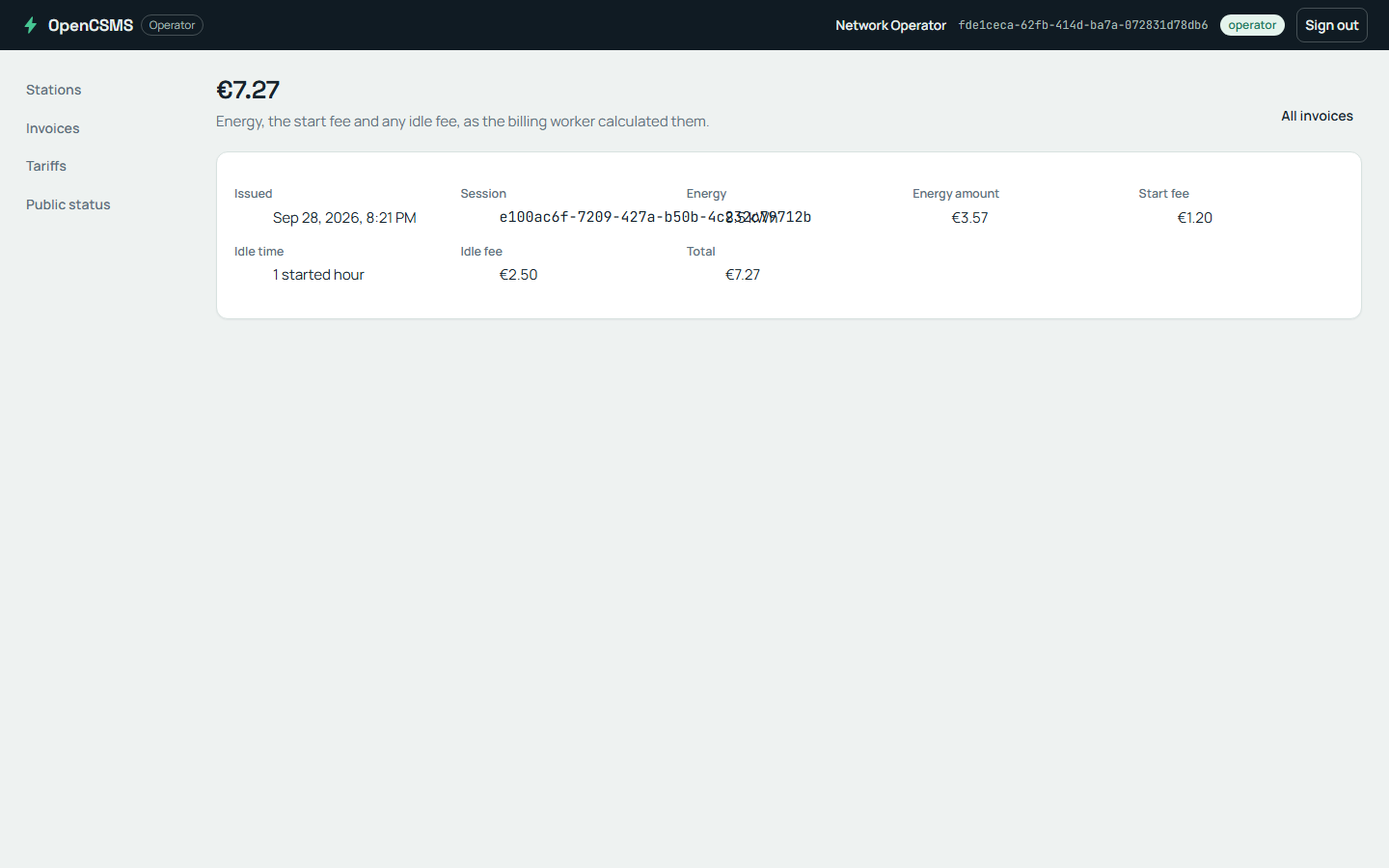
The invoice detail the real worker stored: energy, start fee and idle fee, summed into the total. The export screen beside it is the suite's browser journey.
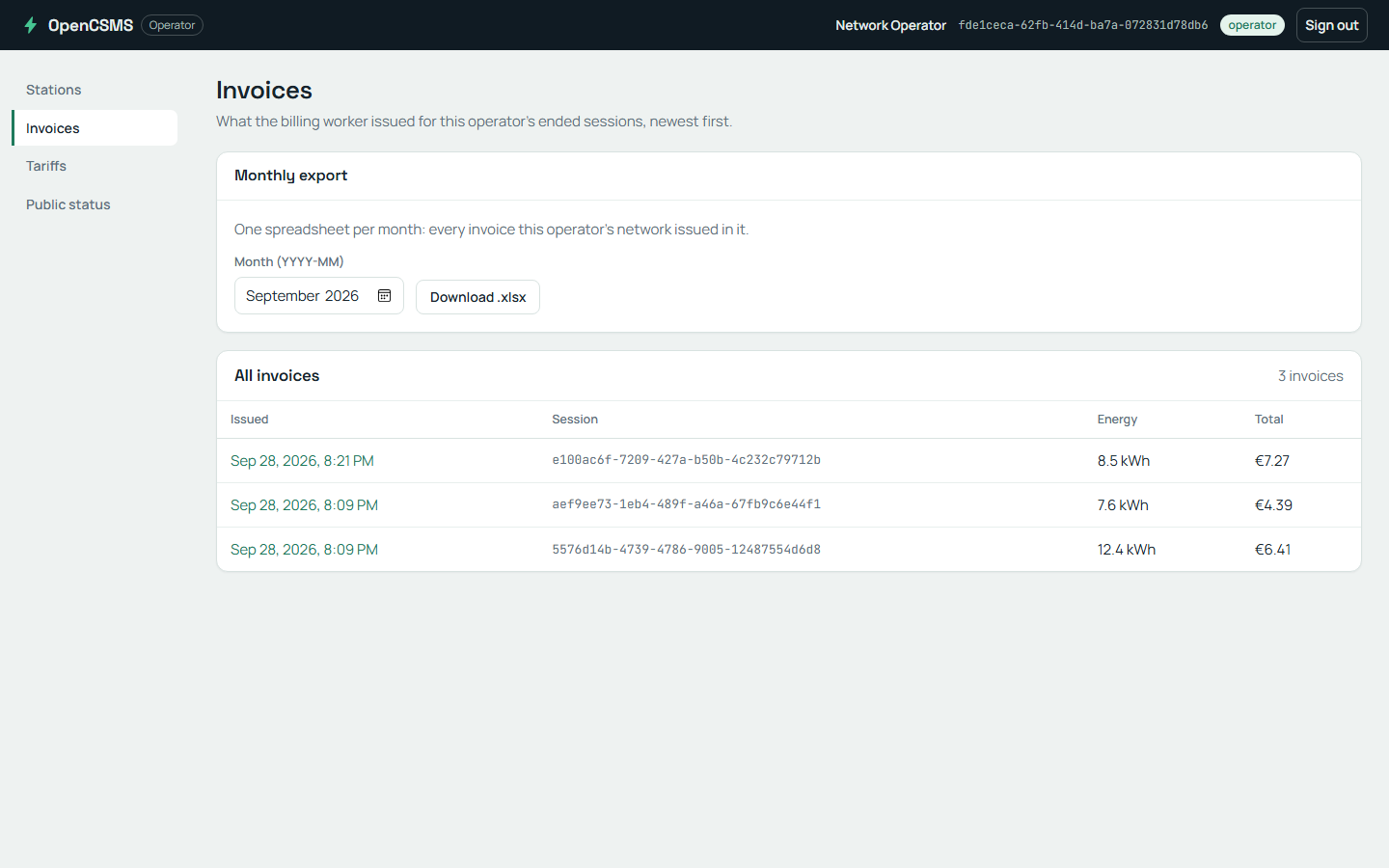
The monthly export the suite downloads in Chromium. The file is a real .xlsx the API composes from the stored invoice rows.
What this mode is not
The rehearsal is local, and the page says what that costs:
- There is no staging target. The mode starts the product's processes against containers on the same machine, and it stops them when the suite ends.
- A real process cannot reach the suite's fakes, so those journeys skip.
- The clock-gated journeys skip, because these processes read the machine clock. Moving a clock inside the test process cannot move a process that is not there.
A team with a real environment exports the same five keys and runs dotnet test; the suite does not change.
Checkpoint
The published run starts a real notification worker and the worker does nothing. Which keys are missing, and what does each consumer print instead?
What you learned
- Five configuration keys move the same suite from the test host to a running stack.
- The environment runs the workers; the suite starts nothing and skips the journeys it cannot serve.
- An idle worker with a named reason is a recorded fact, not a hidden failure.